
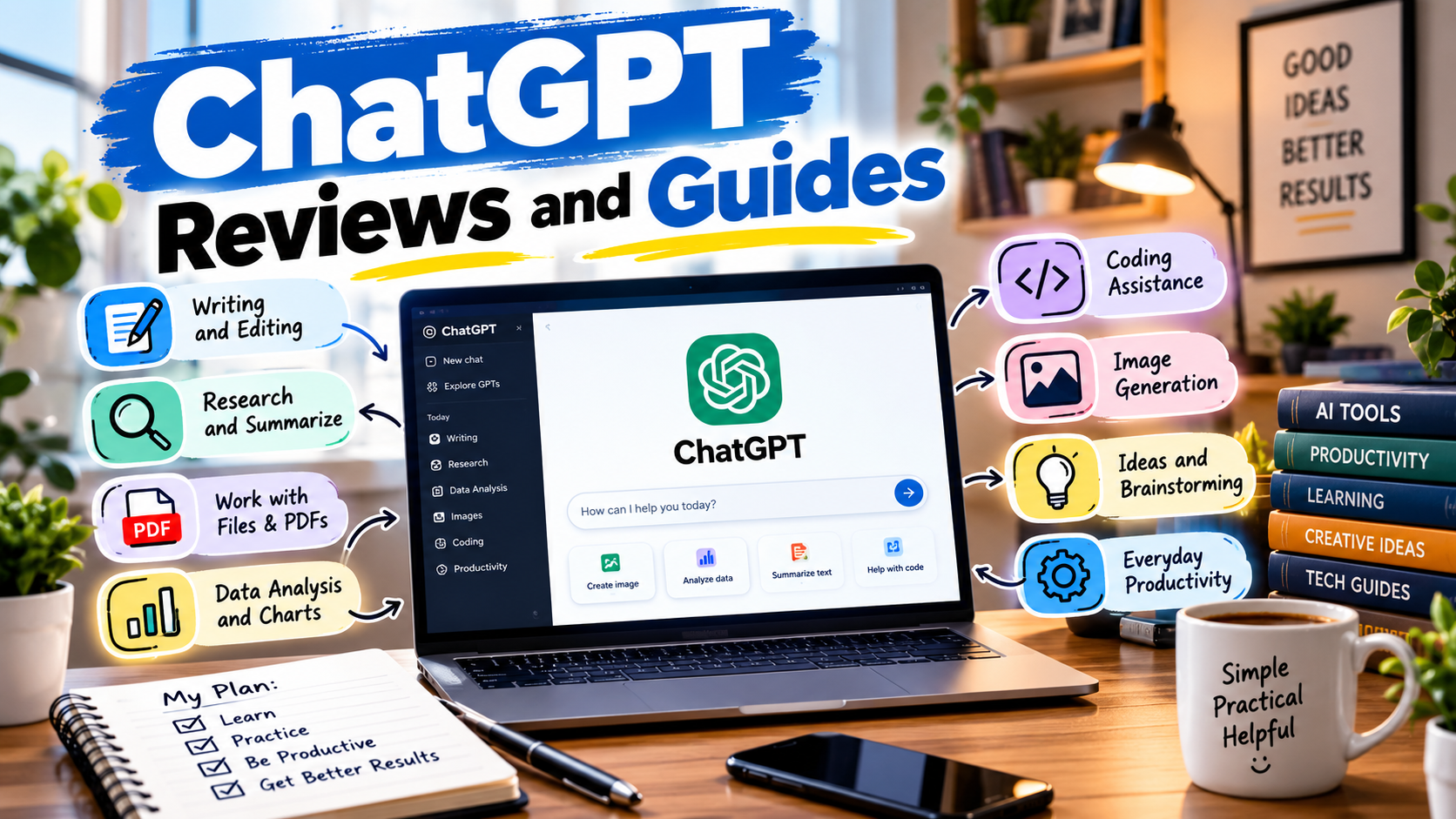
ChatGPT reviews and guides can save you a lot of time when you’re trying to figure out what ChatGPT can actually do and how to use it effectively.
The first time an AI gives you a surprisingly good answer, it is easy to think you’ve figured it out.
Then you give it a more complicated task.
Suddenly the answer is too generic, an important detail is missing, or the response sounds like it was written by a machine trying very hard to sound human.
That is where using ChatGPT gets interesting.
The tool itself is rarely the biggest problem. The bigger issue is understanding how to work with it.
ChatGPT can answer questions, rewrite text, analyze files, search the web, work with images, help with code, analyze data, and support longer projects. The exact tools available depend on your account, plan, settings, and region.
This guide is designed to be more useful than a simple list of features.
Instead of asking whether ChatGPT is “good,” we’ll look at where it is genuinely useful, where it can disappoint you, how to write better prompts, and how to build a workflow that saves time without blindly trusting everything it produces.
What Is ChatGPT Actually Useful For?
You don’t need a complicated reason to use ChatGPT.
Some of the most useful applications are surprisingly ordinary.
You can use it to:
- Rewrite an awkward email
- Explain a difficult topic
- Summarize a long document
- Brainstorm article ideas
- Create an outline
- Analyze a spreadsheet
- Review code
- Translate text
- Research a topic
- Generate or edit images
- Create study questions
- Organize information
- Turn rough notes into a structured document
OpenAI describes ChatGPT as a conversational assistant that can help with questions, explanations, writing, summarization, creative work, reasoning, translation, files, images, data analysis, voice, projects, and more. Availability varies according to the account and plan.
The important part is that you don’t have to use every feature.
If you only need ChatGPT for writing emails, that’s perfectly fine.
If you use it for research, documents, coding, and data analysis every day, you can build a much larger workflow around it.
ChatGPT Review: What Makes It Useful?
A good ChatGPT review should go beyond saying that the software is “powerful.”
Powerful for what?
That’s the question.
One of ChatGPT’s practical strengths is that it can move between different types of work without requiring you to learn a completely different application for each task.
For example, imagine you’re writing a blog post.
You can start by asking for topic ideas.
Then create an outline.
Then upload your research notes.
Then ask for help organizing the material.
Then rewrite individual sections.
Then create a social media caption.
Then ask for a final proofreading pass.
The individual tasks aren’t revolutionary.
The useful part is having them in one workflow.
ChatGPT for Writing
Writing is probably one of the easiest ways to get value from ChatGPT.
But there is a huge difference between asking:
“Write me a blog post about laptops.”
and giving the model a proper brief.
Try something like:
“Write a beginner-friendly article about choosing a laptop for university students. Keep paragraphs short, explain technical terms in simple language, include practical examples, and don’t make claims about specific products unless they can be verified.”
The second prompt gives the AI a much clearer target.
A simple writing workflow
Step 1: Start with the idea
Tell ChatGPT what you’re trying to accomplish.
Step 2: Define the reader
Explain who will read it.
For example:
“The reader is a beginner who has never bought a laptop before.”
Step 3: Ask for an outline
Don’t immediately generate 2,000 words.
Get the structure right first.
Step 4: Write the draft
Once the structure looks sensible, generate the content.
Step 5: Edit it
This step matters.
Remove repetitive sentences, unnecessary introductions, exaggerated claims, and phrases that don’t sound natural.
Step 6: Fact-check
If the article contains current prices, product specifications, laws, software features, or other changing information, verify them.
That last step is especially important.
ChatGPT can be very useful for writing, but fluent writing is not proof that every factual statement is correct.
ChatGPT for Research
Research is another area where ChatGPT can save significant time, especially when the task involves organizing information.
For quick questions, standard ChatGPT search can be useful.
For more complicated questions, OpenAI’s Deep Research feature is designed to investigate multi-step topics, work through multiple sources, and produce a documented report with citations or source links. It can also use uploaded files and supported connected apps, depending on availability.
When to use normal search
Use regular search when you need something like:
- A current fact
- A recent announcement
- A quick explanation
- A current website
- A simple comparison
When to use Deep Research
A longer research workflow makes more sense when you’re asking something like:
“Compare five project-management platforms for a small remote team. Look at current pricing, collaboration features, integrations, limitations, and recent changes, and cite the sources.”
That is a completely different job.
The research process can also be reviewed before it starts, and the resulting report includes citations or source links so you can check the information yourself.
ChatGPT for PDFs and Other Files
One of the most practical features is file analysis.
Instead of copying a 40-page document into the chat, you can upload a supported file and ask ChatGPT to work with it.
OpenAI supports documents, presentations, spreadsheets, and other file types, with file-size and usage limits that can vary by account and feature.
Useful file prompts
Try:
“Summarize this report in five bullet points.”
Or:
“Find the three most important recommendations in this document.”
Or:
“Compare these two documents and show me what changed.”
Or:
“Turn this report into a one-page executive summary.”
The quality of the result improves when your question is specific.
Instead of:
“Analyze this.”
Try:
“Find the sections that discuss customer complaints, summarize the main issues, and group them into three categories.”
That’s much easier to act on.
ChatGPT for Spreadsheet and Data Analysis
This is another feature that people often underestimate.
If you have a spreadsheet containing sales, expenses, survey responses, inventory, or another structured dataset, ChatGPT can help analyze the information and create visualizations.
OpenAI says ChatGPT can analyze structured data such as spreadsheets and CSV files, including tasks such as identifying trends, cleaning data, and producing visualizations.
For example, instead of asking:
“Analyze this spreadsheet.”
Try:
“Find the five products with the highest revenue, calculate their average selling price, and explain any unusual patterns.”
Then follow up with:
“Create a simple chart showing monthly revenue.”
This is where conversational interaction becomes useful.
You can ask questions about the same dataset without starting the entire analysis from scratch.
ChatGPT for Coding
You don’t have to be a professional developer to benefit from ChatGPT for coding.
It can explain code, find potential bugs, suggest changes, generate examples, and help you understand programming concepts.
But there is a common mistake.
People often paste an error message and simply say:
“Fix this.”
Sometimes that works.
Sometimes it produces a completely unnecessary rewrite.
A better prompt includes context.
For example:
“This Python script reads a CSV file. It works with small files but becomes very slow with larger ones. Explain the likely bottleneck and suggest the smallest practical change.”
Now ChatGPT has a specific problem to investigate.
A useful coding workflow
- Explain what the program should do.
- Show the relevant code.
- Give the exact error or unexpected behavior.
- Explain what you already tried.
- Ask for the smallest reasonable fix.
- Test the result.
- Ask ChatGPT to explain why the fix works.
Never assume generated code is safe simply because it looks clean.
Run it.
Test it.
Review it.
For authentication, payments, security, database permissions, or production systems, proper human review is especially important.
ChatGPT for Images
ChatGPT can also work with images.
You can upload screenshots, diagrams, charts, or photographs and ask questions about what is visible. ChatGPT can also generate images from text prompts and make edits to supported images.
For example, you could upload a screenshot of a software error and ask:
“What does this error mean, and what should I check first?”
Or upload a chart and ask:
“Explain the main trend in this graph in simple language.”
For image generation, specific instructions usually produce more useful results than vague ones.
Instead of:
“Make a professional tech image.”
Try:
“Create a wide blog hero image for a technology article, with a clean workspace, laptop, subtle blue lighting, minimal text, and enough empty space on the left for a headline.”
The more clearly you describe the purpose of the image, the easier it is to get something usable.
ChatGPT Projects: A Better Way to Handle Long-Term Work
If you’re working on something that continues for days or weeks, starting a completely new chat every time can become inconvenient.
Projects are designed to keep related chats, files, and instructions together around a shared objective. They can be useful for writing projects, research, planning, schoolwork, or ongoing business tasks.
For example, you could create a project called:
“Tech Blog Content”
Then keep:
- Article ideas
- Research files
- Style instructions
- Previous drafts
- Content plans
- Images
- Editorial notes
inside the same project.
That is much cleaner than searching through dozens of unrelated conversations.
ChatGPT Memory: Useful, But Understand What It Does
Memory can make conversations more convenient because ChatGPT can use relevant information from previous chats and other available sources when Memory is enabled.
OpenAI says memory behavior and controls can vary by plan, region, platform, and workspace. Memory can draw from sources such as past chats, saved information, custom instructions, files, and connected apps where available.
This can be useful for things like:
- Writing preferences
- Recurring projects
- General goals
- Preferred formats
- Ongoing work
But I would not treat Memory as a perfect database.
It doesn’t remember every detail from every conversation.
For important project information, keep a proper source document rather than relying entirely on conversational memory.
Connected Apps Can Make ChatGPT More Useful
ChatGPT can connect with supported external apps so it can work with information from services you already use.
Depending on the app and your account, you may be able to search or reference information from connected services, use supported apps in research, or perform supported actions.
For example, a connected service might allow ChatGPT to find a document or summarize information from an authorized account.
But there is an important rule here:
Don’t connect an account just because the option exists.
Before approving an app connection, check:
- What information it can access
- Which account you’re connecting
- What permissions are requested
- Whether the connection is actually necessary
OpenAI recommends reviewing requested permissions when connecting app accounts.
Convenience is useful.
Unnecessary access isn’t.
How to Write Better ChatGPT Prompts
You don’t need a complicated “magic prompt.”
A good prompt usually answers five simple questions:
1. What do you want?
“Write a product description.”
2. Who is it for?
“The audience is beginner online sellers.”
3. What information should be included?
“Mention the main features, dimensions, and intended use.”
4. What should the output look like?
“Use short paragraphs and bullet points.”
5. What should it avoid?
“Don’t make claims that aren’t supported by the supplied information.”
Put those together:
“Write a product description for beginner online sellers. Explain the main features and intended use using short paragraphs and bullet points. Don’t invent specifications or make unsupported performance claims.”
That’s already a useful prompt.
A Mistake Many New Users Make
One of the easiest ways to get poor results is to give ChatGPT too little context and then blame the model.
Imagine telling a freelance writer:
“Write my website.”
They would immediately have questions.
Who is the audience?
What does the company sell?
What’s the tone?
What’s the goal?
What pages are required?
ChatGPT needs much of the same information.
If the first answer isn’t right, don’t necessarily start over.
Tell it what was wrong.
For example:
“The structure is good, but the tone is too formal. Keep the same information and rewrite it for a beginner audience.”
That’s a much more productive interaction.
Common ChatGPT Mistakes to Avoid
Mistake 1: Believing every answer
ChatGPT can make factual mistakes.
Verify important information.
Mistake 2: Using vague prompts
More context usually produces more useful results.
Mistake 3: Publishing AI text without editing
Even a technically correct answer can sound repetitive or generic.
Read it like a human.
Mistake 4: Asking for everything at once
Break complicated tasks into stages.
Mistake 5: Uploading sensitive information without checking privacy settings
Think before uploading confidential documents, passwords, private business information, or personal data.
Mistake 6: Treating ChatGPT as a replacement for professional advice
For medical, legal, financial, security, and other high-stakes decisions, use qualified professionals and authoritative sources where appropriate.
Mistake 7: Ignoring dates
Software features change.
Always verify current information when it matters.
A Practical ChatGPT Workflow for Beginners
If you’re opening ChatGPT for the first time, don’t try to learn 50 features.
Start with one real problem.
Step 1: Choose a task
For example:
“I need to write a professional email.”
Step 2: Give context
Explain who you’re writing to and why.
Step 3: Give constraints
Mention length, tone, format, or information that must be included.
Step 4: Review the result
Don’t immediately copy and paste it.
Read it.
Step 5: Ask for changes
Try:
“Make it shorter.”
or:
“Make it sound less formal.”
or:
“Give me three alternatives.”
Step 6: Verify important information
If the answer includes facts that matter, check them.
Step 7: Save useful prompts
When you find a prompt that works well for your workflow, keep it somewhere accessible.
Over time, your prompt library can become more useful than a collection of random AI tricks.
Is ChatGPT Worth Using in 2026?
That depends on what you want from it.
If you’re looking for a simple chatbot that answers questions, there are many options.
ChatGPT becomes more interesting when you use its wider toolset.
Search.
Files.
Data analysis.
Images.
Voice.
Projects.
Research.
Connected apps.
The exact availability of these capabilities depends on the account and plan, so it is worth checking the current official documentation rather than relying on an old blog post.
For current model and feature information, the official ChatGPT release notes are also useful because OpenAI updates them as features change.
ChatGPT Reviews and Guides: What Should You Check Before Trusting a Review?
Not every ChatGPT review is equally useful.
When reading a review, look for practical information.
Does the article explain:
- What the tool actually does?
- Which features are available?
- What limitations exist?
- Who should use it?
- Who might not need it?
- What does it cost right now?
- How does it handle files?
- Can it search current information?
- How does it work with images?
- What privacy controls are available?
- What mistakes should users avoid?
Be cautious with articles that promise that ChatGPT will automatically make you rich, replace an entire profession, or solve every business problem.
Those claims are much harder to support.
A useful review should help you decide whether the tool fits your actual workflow.
Frequently Asked Questions
What can I use ChatGPT for?
ChatGPT can help with writing, explanations, research, summarization, file analysis, data analysis, coding, images, voice conversations, and other tasks depending on your available tools and plan.
Is ChatGPT free?
OpenAI offers a Free plan as well as paid options, but features, models, limits, and availability vary by plan and can change. Check the current plan information in ChatGPT before subscribing.
Can ChatGPT analyze PDF files?
Yes. ChatGPT supports file uploads and can work with supported documents, spreadsheets, presentations, and other files. Usage limits and supported capabilities vary.
Can ChatGPT search the internet?
Yes. ChatGPT can search the web for current information and provide source links or citations when web search is used.
What is Deep Research in ChatGPT?
Deep Research is designed for more complex, multi-step research. It can investigate online sources and supported files or apps and produce a structured report with citations or source links.
Is ChatGPT always accurate?
No. ChatGPT can make mistakes, so important information should be independently checked. This is particularly important for current facts and high-stakes subjects.
Can I use ChatGPT for coding?
Yes. ChatGPT can assist with coding, debugging, explanations, and other programming tasks. Generated code should still be tested and reviewed before being used in a real application.
Does ChatGPT remember previous conversations?
Memory can allow ChatGPT to use relevant information from previous chats and other available sources when the feature is enabled, but it does not remember every detail from every conversation. Availability and controls vary.
Final Thoughts
The most useful way to think about ChatGPT is not as a machine that magically knows everything.
Think of it as a tool you can direct.
Give it a vague request and you may get a vague answer.
Give it the goal, context, source material, constraints, and desired format, and the result can become much more useful.
That’s why good ChatGPT reviews and guides should focus on workflows rather than hype.
Use ChatGPT to create a first draft.
Use it to organize a messy document.
Use it to explain code you don’t understand.
Use it to analyze a spreadsheet.
Use web search or Deep Research when current information matters.
Use files when you need help working through a large amount of material.
And always keep one habit:
Review the answer before you rely on it.
That single step prevents many of the problems people associate with AI.
ChatGPT is becoming a broader work environment, not just a question-and-answer box. The more clearly you understand what each feature is good for, the easier it becomes to decide when AI is genuinely saving you time—and when doing the work yourself is still faster.